휴대전화에서 작업하기
모바일 앱에서 ChatGPT Work를 사용하거나, 원격을 사용해 연결된 컴퓨터에서 작업을 검토하고, 승인하고, 시작하세요.
Use ChatGPT Work on your phone
Open the ChatGPT app, choose Work, and start a task or pick up a conversation where you left off. You can use connected plugins, attach files, and review results right from your phone.
Ask ChatGPT to catch you up on Slack, prepare you for a meeting, or pull together what needs your attention. Review the result and keep the conversation moving wherever you are.
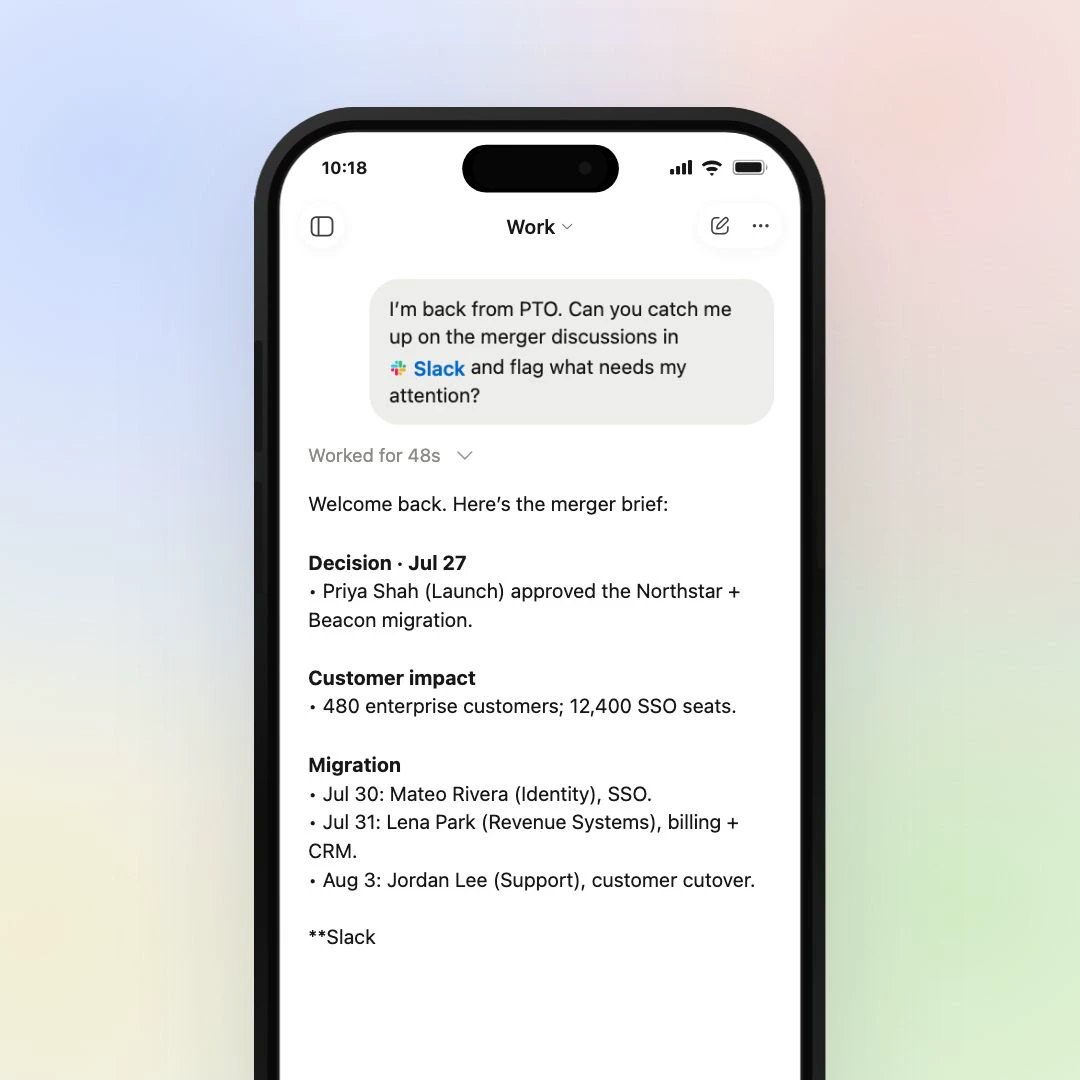
What you can do from your phone
Your mobile app brings Work conversations, connected tools, and finished results together.
- Plugins
- Use Slack, Gmail, Google Calendar, and other connected tools.
- Files
- Attach a file or review documents, spreadsheets, and presentations.
-
 Sites
- Open a Site you created or shared and check it from your phone.
- Work chats
- Start a task or continue cloud work from another device.
Start, approve, and review computer tasks with Remote
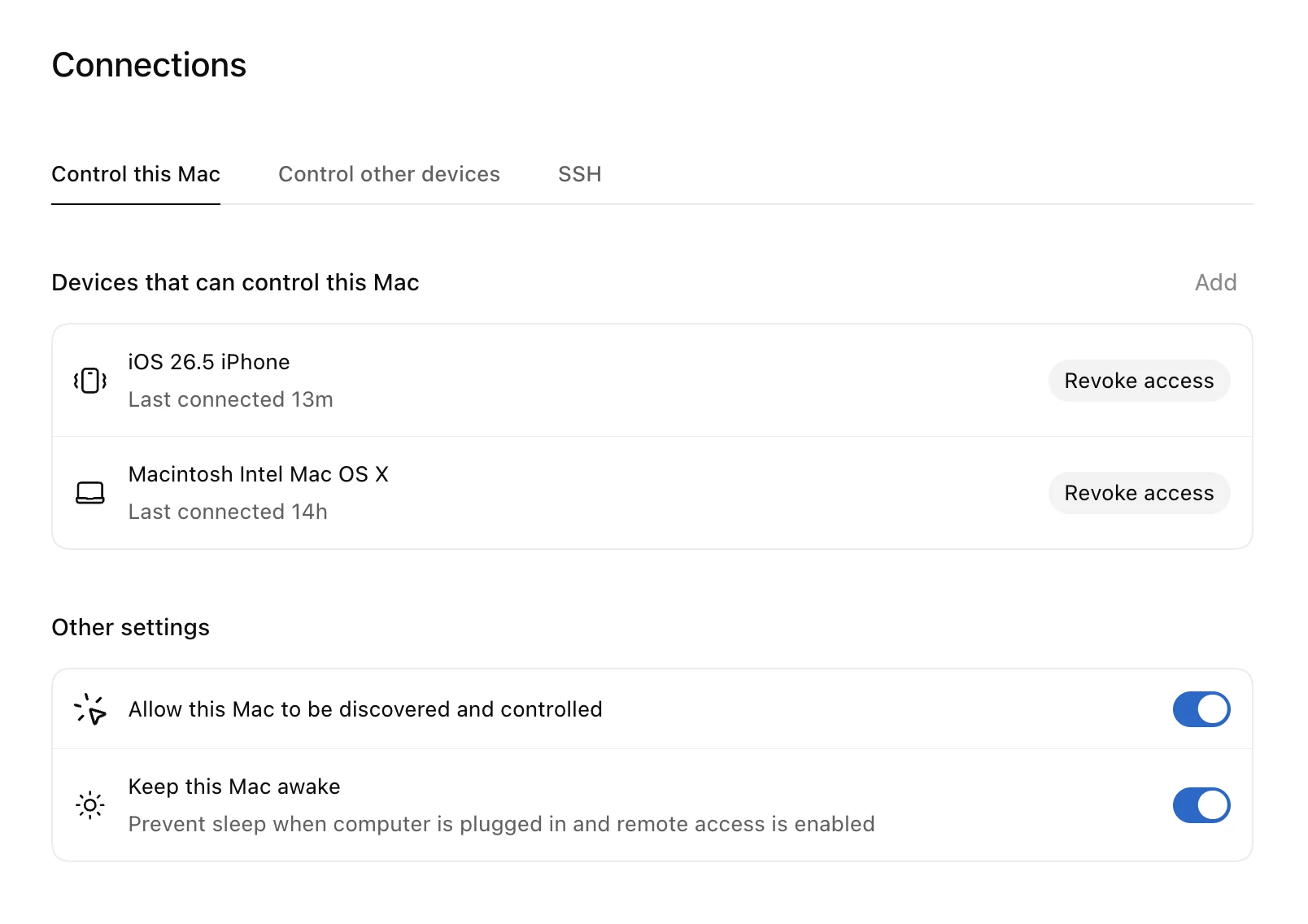
Open Remote to see your tasks, approve a requested action, review results, or start a new task on your connected computer. Your computer keeps working with its local files, desktop apps, and browser.
Set up Remote
In the ChatGPT desktop app on your computer, go to Settings → Connections → Control this Mac or PC, then select Set up or Add. Scan the QR code with your phone and select your connected computer. Keep your computer awake, online, and signed in to the same account and workspace as your phone.
Try it
Try two focused tasks you can start right from ChatGPT Work on your phone. Make sure you have the right plugins connected before starting.
-
Slack과 캘린더 확인하기
최근 @Slack 메시지와 오늘의 @Google Calendar 이벤트를 요약해 줘. 긴급한 항목은 표시하고 업데이트해 줘.
Open this prompt in ChatGPT Work (opens in a new tab) -
Google Calendar로 준비하기
@Google Calendar를 사용해 다음 회의를 확인하고, 내가 알아야 할 컨텍스트를 요약한 뒤, 짧은 핵심 요점 3개를 알려 줘.
Open this prompt in ChatGPT Work (opens in a new tab)
Up next
음성 사용하기
음성을 사용하면 데스크톱 앱에서 ChatGPT가 작업하는 동안 대화할 수 있으므로, 아이디어를 브레인스토밍하고, 슬라이드 덱을 요청하고, 소리 내어 다듬을 수 있습니다.