
In October 2024, Simon Willison asked 16 language models to draw a pelican riding a bicycle as an SVG. Models have come a long way since then, and with GPT-6.2 Astra you can now create beautiful vector graphics and 3D models from a simple prompt.
To take those capabilities further, Astra can ask GPT Image for a reference suited to the medium, refine it, and use it as concept art for everything from editable app icons to detailed parametric CAD. SVG & 3D Design is a Codex plugin that guides Astra through this workflow so you can create richer, more ambitious assets with just a few words of direction.
Designing app icons for light and dark mode
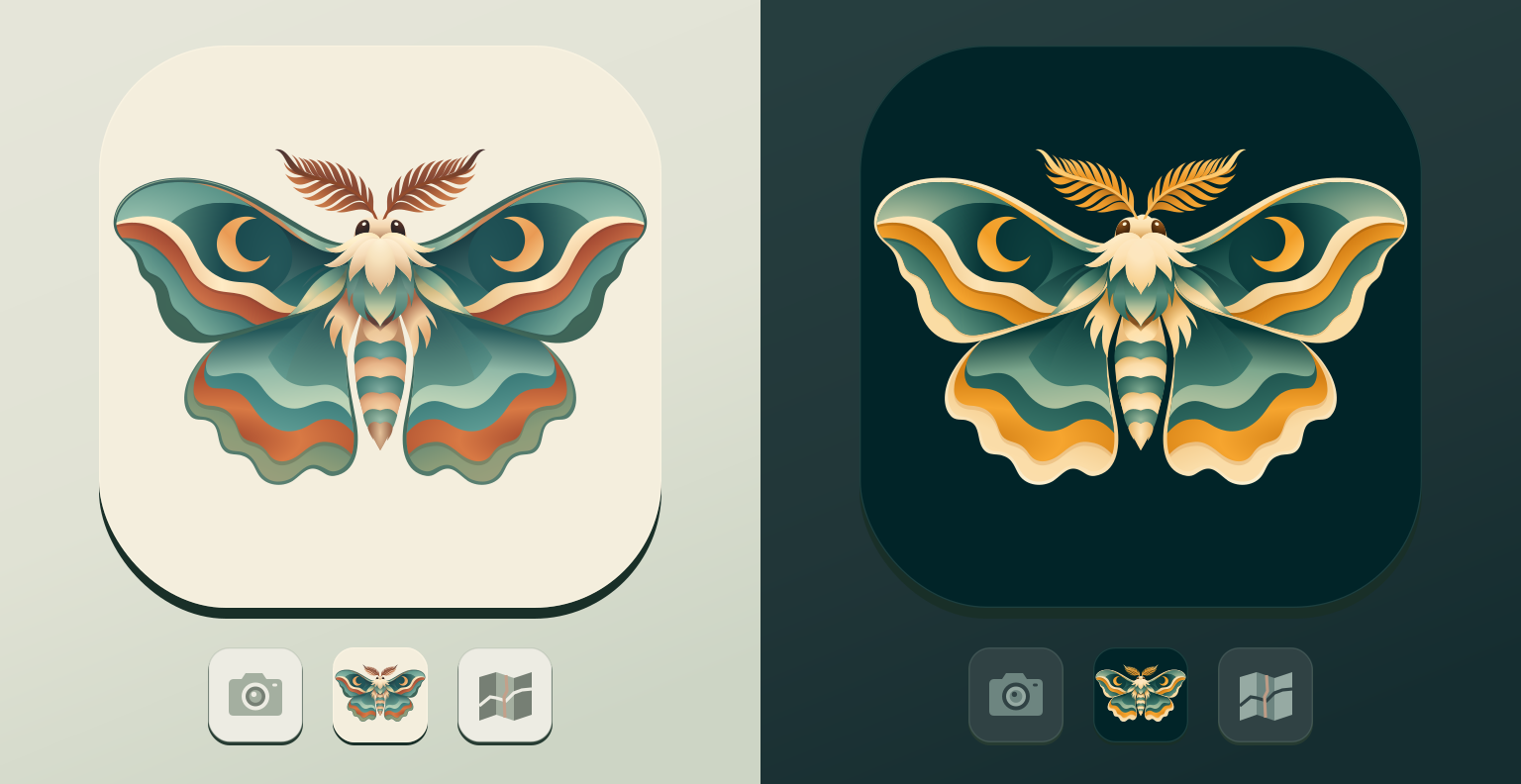
Designing an app icon means thinking about how it will look everywhere from a high-resolution app listing to a tiny square on a home screen. You also need to consider light and dark mode, which can require rethinking the entire color palette.
When asking Astra for a moth field guide icon, tell it how small the icon will get. That constraint carries through to the reference it asks GPT Image to make and helps it decide which wing markings are worth turning into curves. The light and dark themes can then share the same SVG and use different palettes.
Creating vector illustrations for the web
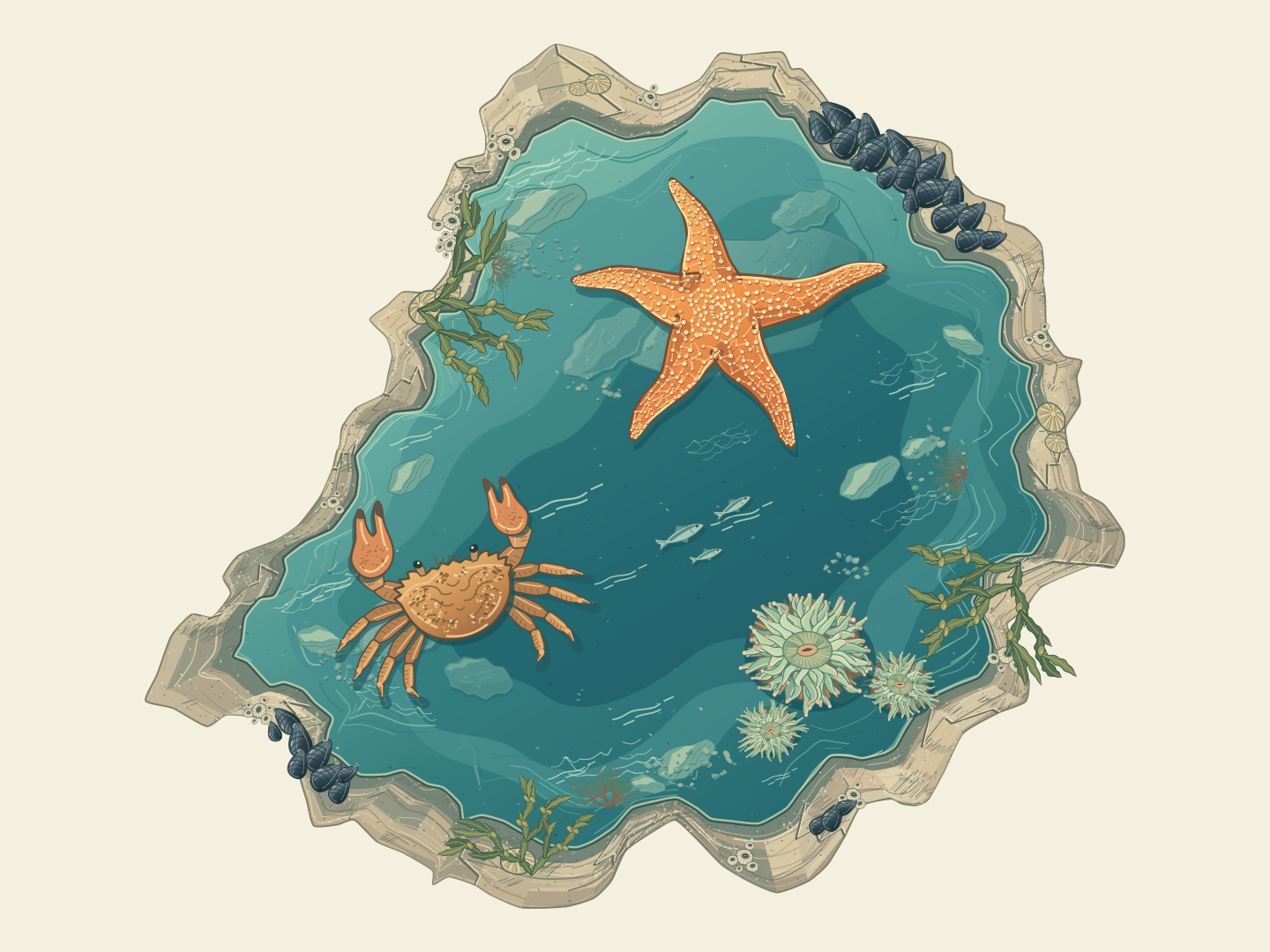
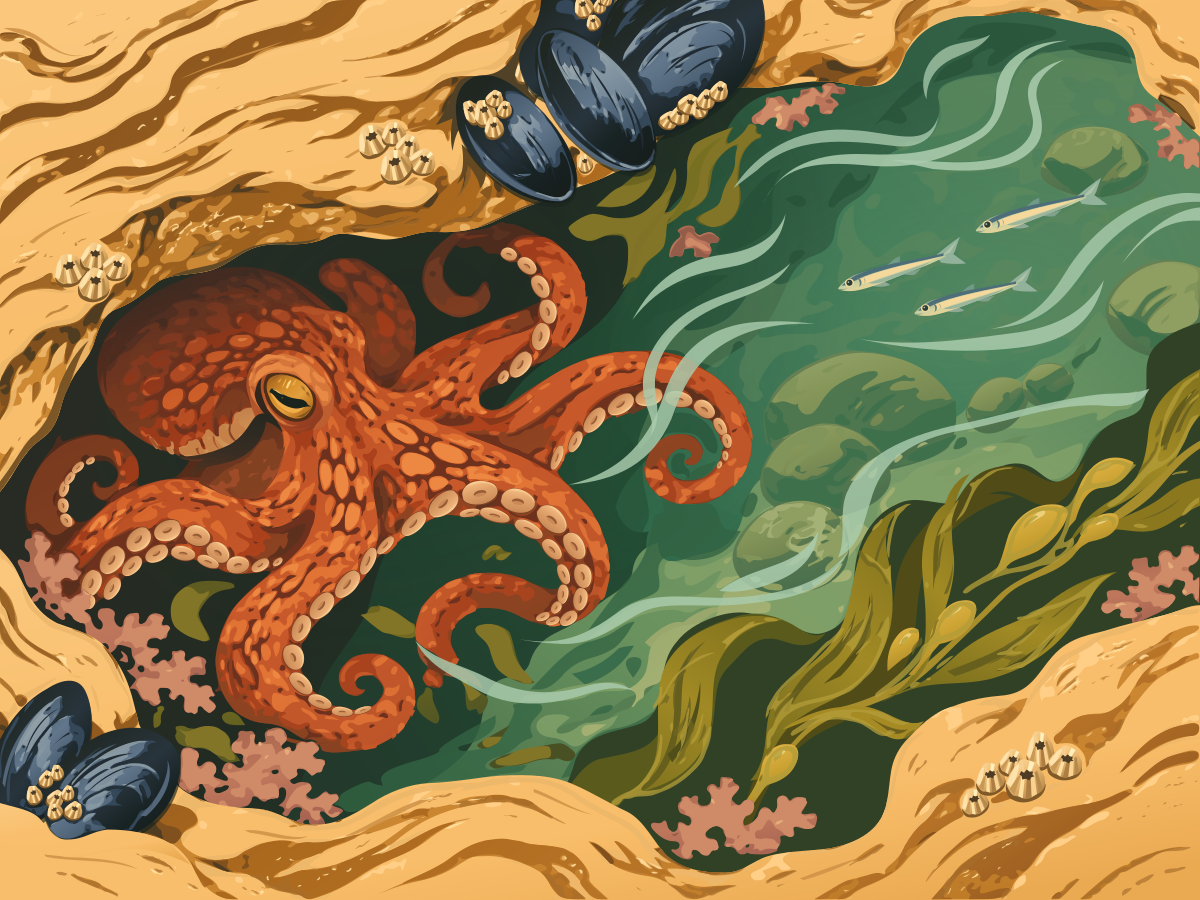
The tricky part of a web illustration is getting the richness of the art into a file you’d actually want to ship. When asking Astra for a tide pool in SVG, a color woodcut is a useful direction for the reference. Each area of ink has an edge Astra can draw as a path. Fine photographic texture takes many more paths to reproduce.
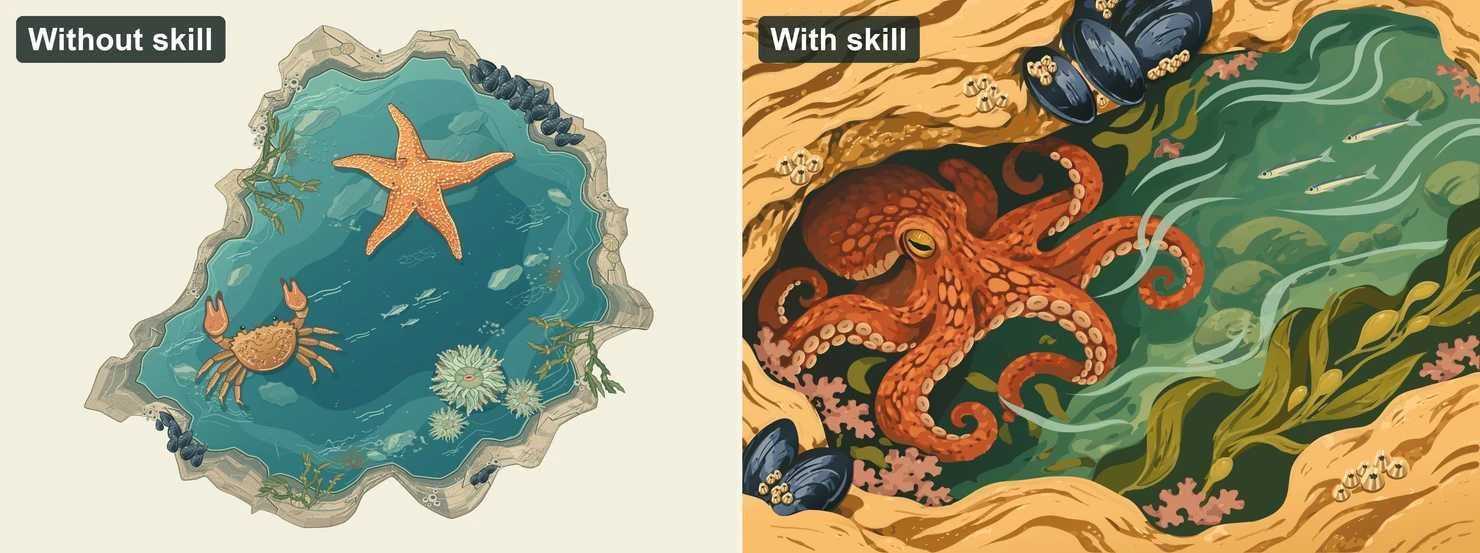
Explore the original SVGs without the skill and with the skill.
Animating SVG curves and colors with code
One of the other benefits of SVG is that it’s all just math. You can compose shapes in layers and animate their curves and colors with code.
For a seascape that reacts to the weather, ask Astra to make wind speed a value you can set in JavaScript. That one value can change the height and speed of the waves and bend the foam along each crest. A separate daylight control lets you change the palette while the sea keeps moving.
Building editable 3D models
GPT-6 Astra can create detailed 3D models, particularly buildings. GPT-6.2 Astra builds on that strength. Organic shapes are harder to specify in words, which is where a visual reference becomes especially useful.
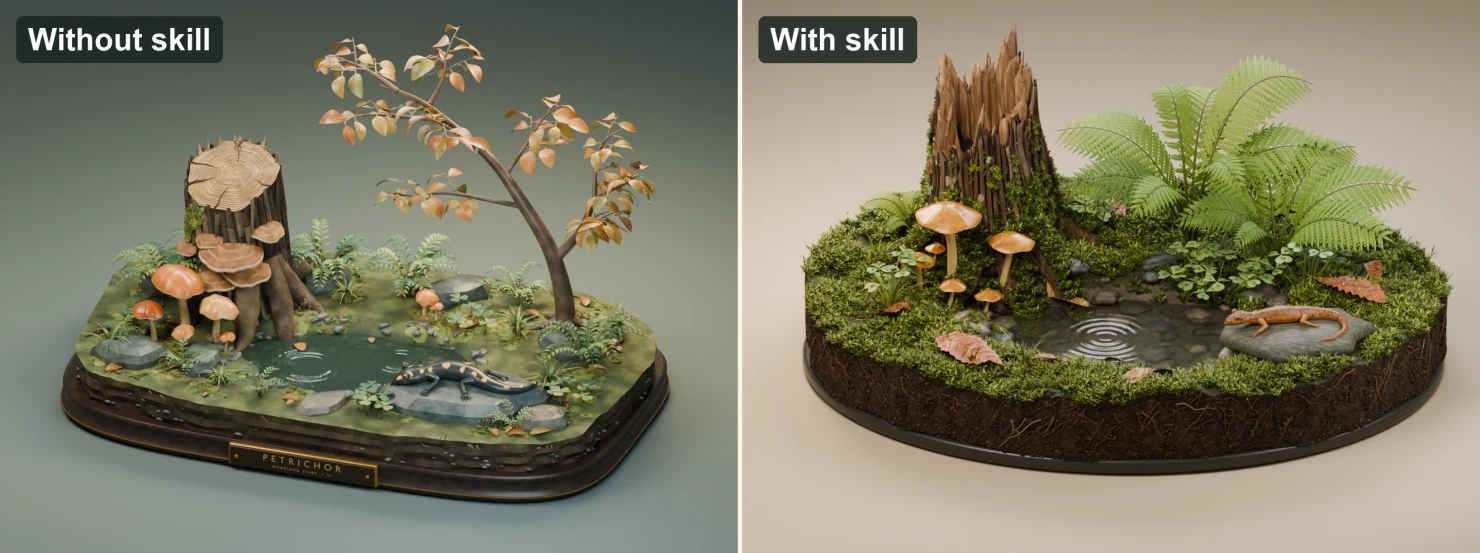
With a simple prompt like “A miniature woodland just after the rain,” Astra has a lot of details to fill in on its own. Ask GPT Image the same thing and you get a much richer picture of that little woodland. Even the moss has a pattern to it, growing thick between the wet stones and creeping into cracks in the stump. This is where a picture is worth a thousand words. It gives GPT-6.2 Astra all that detail to work from, and the model can now bring it to life in 3D.
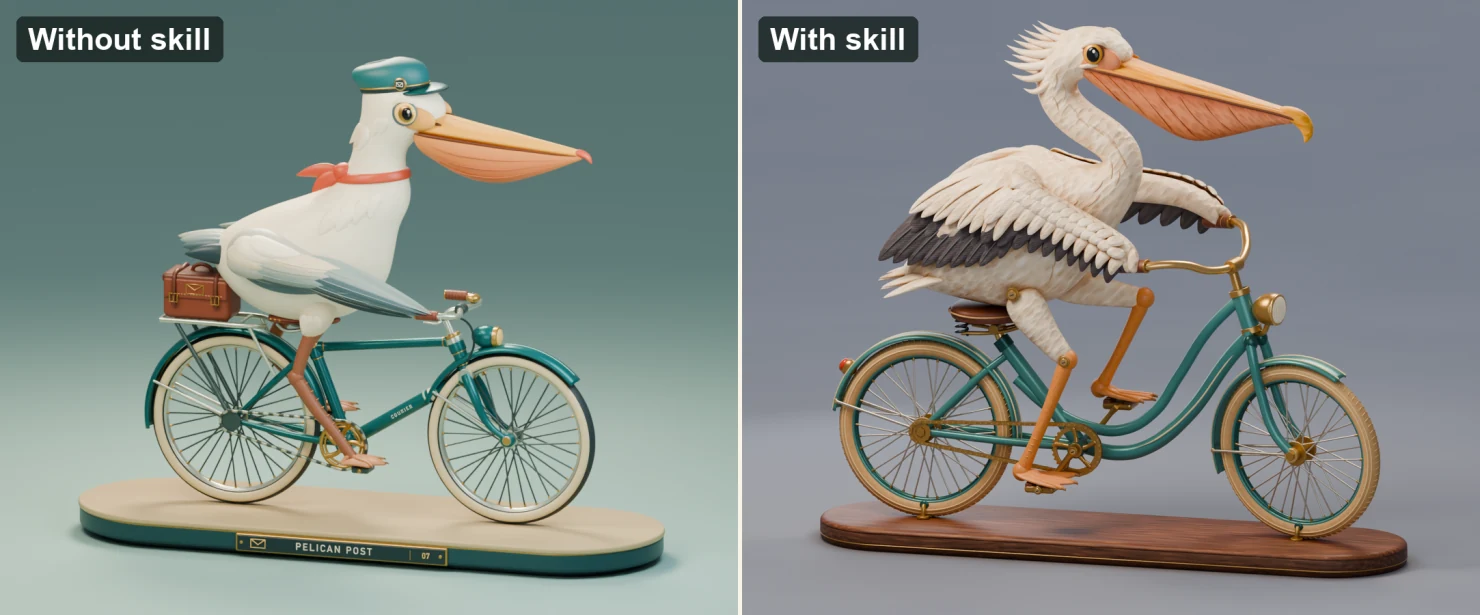
Here’s Simon’s pelican on a bicycle again, this time in 3D, with and without the skill.
Art direction for game environments and effects
While you can create beautiful standalone assets with this workflow, you can also bring an entire world to life from a concept image. Here, Astra was asked to create a graphics museum on a hilltop, where visitors could explore exhibits showcasing beautiful materials and rich visual effects. GPT Image’s first concept was gorgeous, and it gave Astra a direction for everything from the layout of the gallery to the way afternoon light would fall across the polished stone floor.
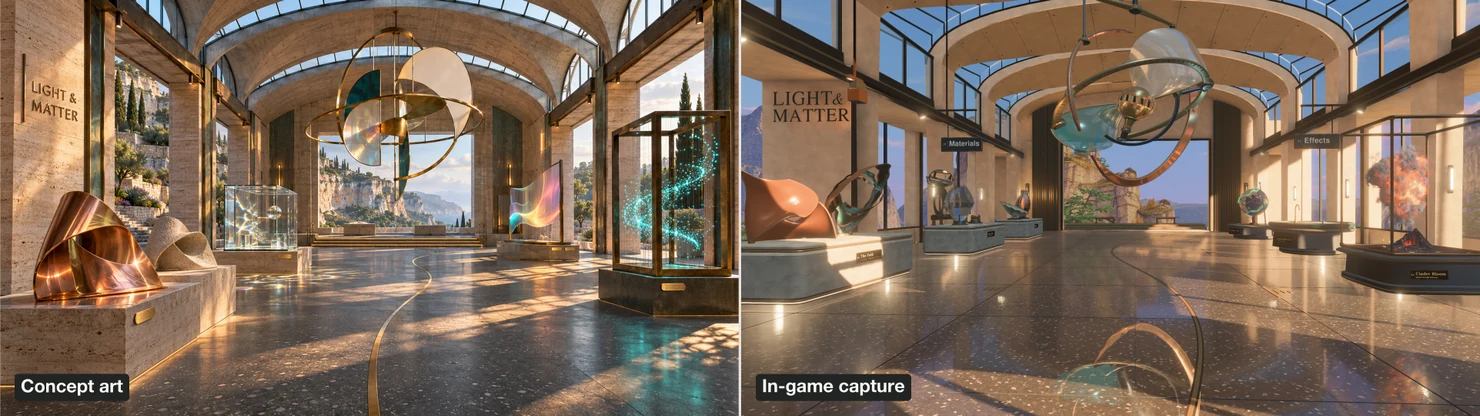
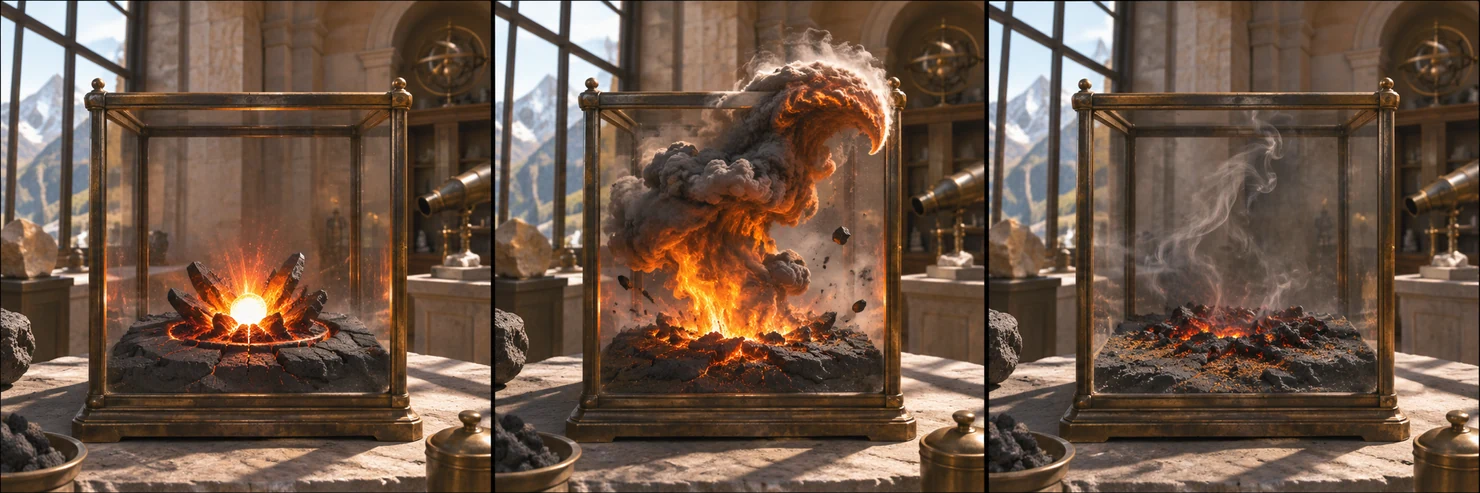
A little more steering pushed the exhibits further. One idea was a miniature volcano that would erupt inside a glass case. A single image could capture the most dramatic moment, but Astra also needed to work out how to get there. GPT Image was prompted to imagine the eruption in three stages, from the first flash at the vent to the plume at its peak and finally the embers cooling in the crater.
Try SVG & 3D Design on a site or app you’re building. Pick an asset you’d love to give more personality, whether it’s an icon that changes with the theme or an illustration that moves as someone scrolls. Tell Codex where it will live and what it needs to do there, and give it room to explore the art direction.