


Codex use case
Run your first security scan
Find vulnerabilities in your code, review the evidence, and decide what needs attention.
Use the Codex Security plugin to scan a local repository, review the evidence and coverage, and prioritize findings for investigation or a fix.
Best for
- Developers assessing a repository or service they own or are authorized to review.
- Security teams establishing an initial view of vulnerabilities and areas that need further review.
- Reviewers who need code evidence and validation results before deciding what to fix.
Contents
Run your first security scan
Find vulnerabilities in your code, review the evidence, and decide what needs attention.
Use the Codex Security plugin to scan a local repository, review the evidence and coverage, and prioritize findings for investigation or a fix.
Use the Codex Security plugin to scan a local repository, review the evidence and coverage, and prioritize findings for investigation or a fix.
Best for
- Developers assessing a repository or service they own or are authorized to review.
- Security teams establishing an initial view of vulnerabilities and areas that need further review.
- Reviewers who need code evidence and validation results before deciding what to fix.
Skills & Plugins
- Scan a repository or scoped folder, validate candidate vulnerabilities, and report findings and coverage.
| Skill | Why use it |
|---|---|
| Codex Security:security Scan | Scan a repository or scoped folder, validate candidate vulnerabilities, and report findings and coverage. |
Starter prompt
Scan a local repository with the Codex Security plugin, review the evidence behind each finding, and decide what needs investigation or a fix. Start with one repository or service so you can review its coverage before expanding the scan.
Before you start
Open a local repository that you own or have permission to assess in Codex. Install and enable the Codex Security plugin, and confirm that your account and workspace have the required security access.
Start with a standard scan of the repository or one service. It runs the scan workflow once and gives you findings, supporting evidence, and coverage to review before deciding what to fix. For a large monorepo, choose one folder with a clear service or product boundary.
Use the starter prompt in that repository’s Codex project, replacing the path with your intended scope. To configure the same scan in the Security sidebar, follow Run your first scan. Choose one way to start the scan.
Run your first scan
- Open Security, select Scans, then select + Scan.
- Select your repository and confirm that Current branch and Last commit match the code you want to review. Codebase scans the checked-out code, including local changes.
- Select Codebase and set Scan area to Entire codebase or one folder. Leave Deep scan off for this first pass.
- Choose a model and reasoning effort using the current scan recommendations.
- Open Additional context if you want to explain a security rule or area to prioritize, then select Start scan.
For an application that keeps each customer’s data in a separate workspace, you could add this security context:
Users must only retrieve documents from workspaces they belong to.
Review whether a user can supply another workspace's identifier and
retrieve its private documents. Check where workspace membership is
enforced, including background jobs and direct API calls.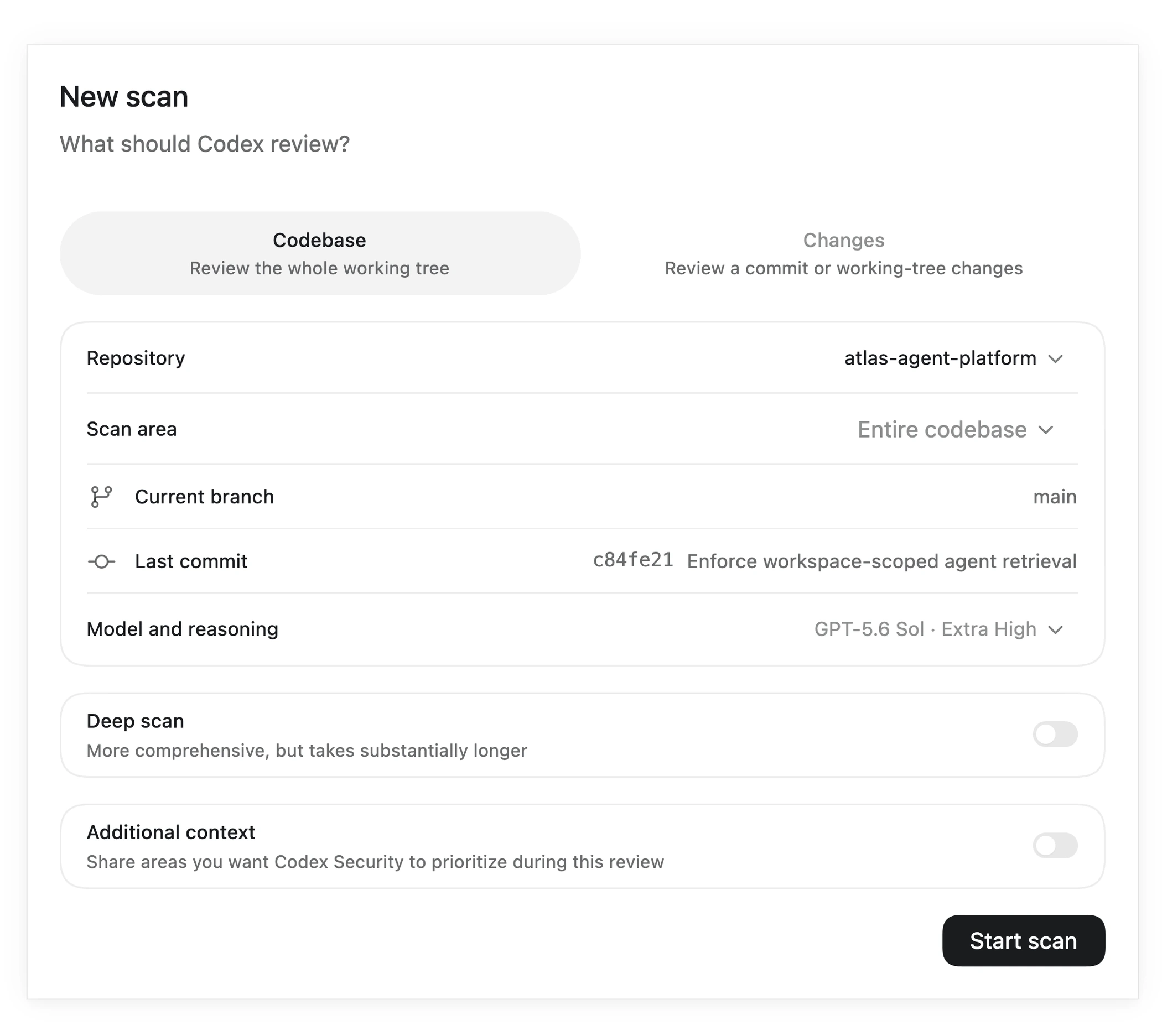
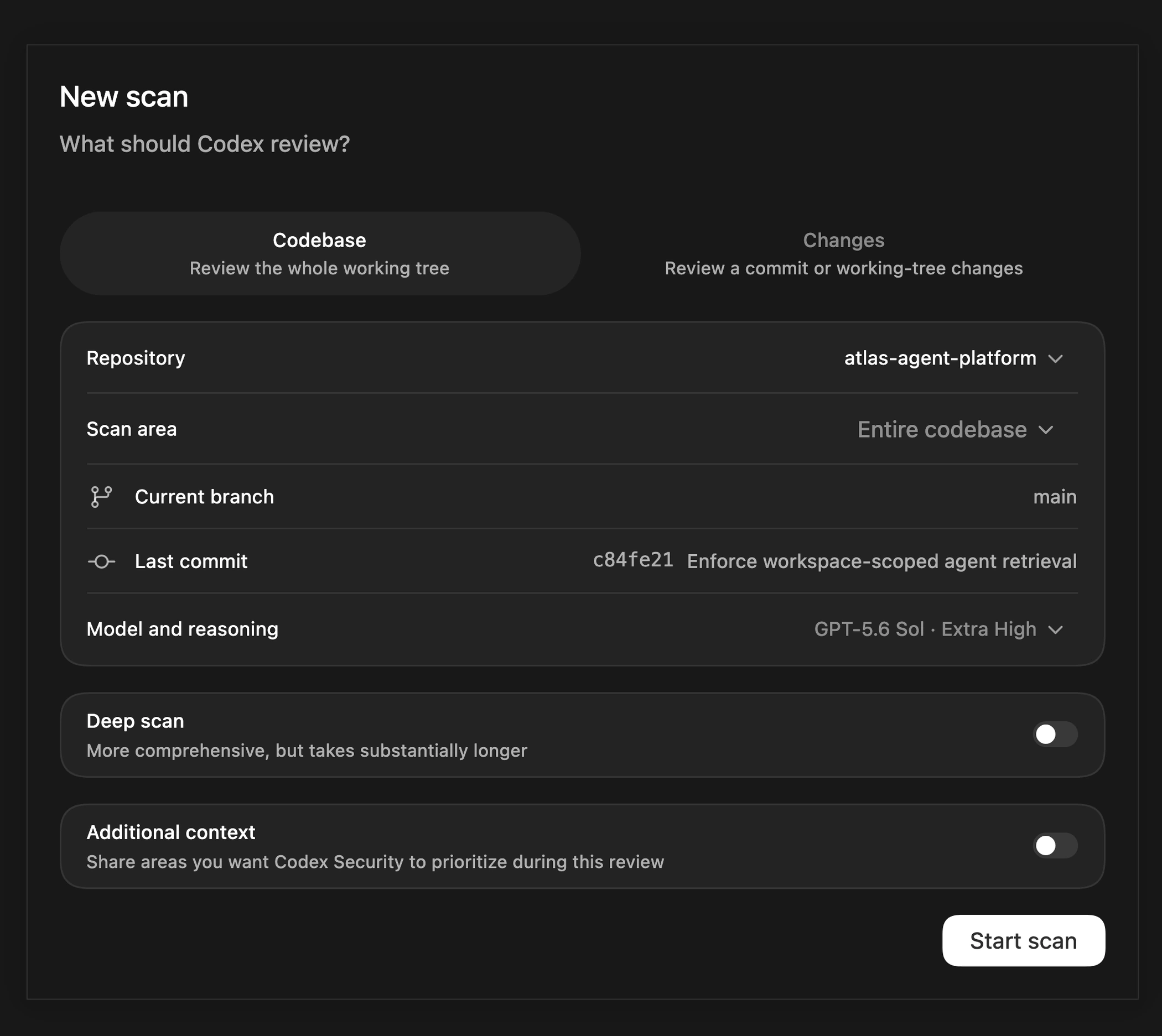
Example scan setup from the security docs. Confirm your own repository, scope, and settings before starting.
Follow the scan and check coverage
Codex identifies the application’s assets and security boundaries, reviews code for candidate vulnerabilities, validates candidates, and assesses their impact before producing the report. Select View activity to inspect the underlying Codex task, and wait for the scan to finish.
Open the completed scan and confirm the target and revision. Review coverage, including skipped or deferred areas, before reading the findings. A completed scan can contain vulnerabilities; an empty findings list with incomplete coverage does not establish that the code is secure.
If the scan stops or leaves gaps, record those areas for follow-up. Scan time and resource use depend on the selected code and the validation work required.
Understand a finding
Select a finding and open Summary. Review these questions together:
- What can an attacker do? Read the affected code, root cause, and reported impact.
- How can they reach it? Follow the attack path from attacker-controlled input to the sensitive operation, including any existing safeguards.
- What did the scan demonstrate? Read the validation evidence, severity rationale, and remaining uncertainty. A severity label alone is not enough to accept a finding.
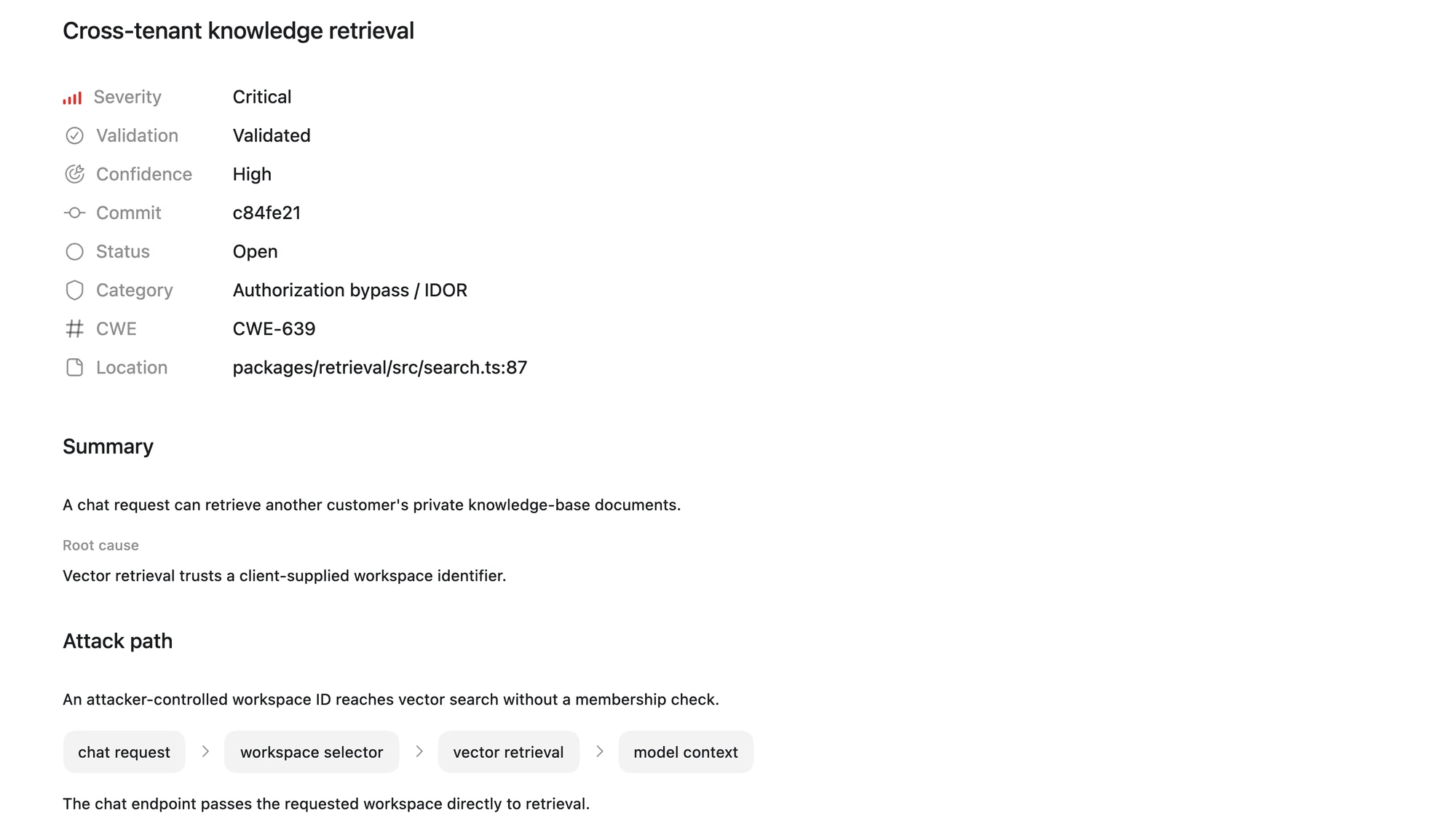
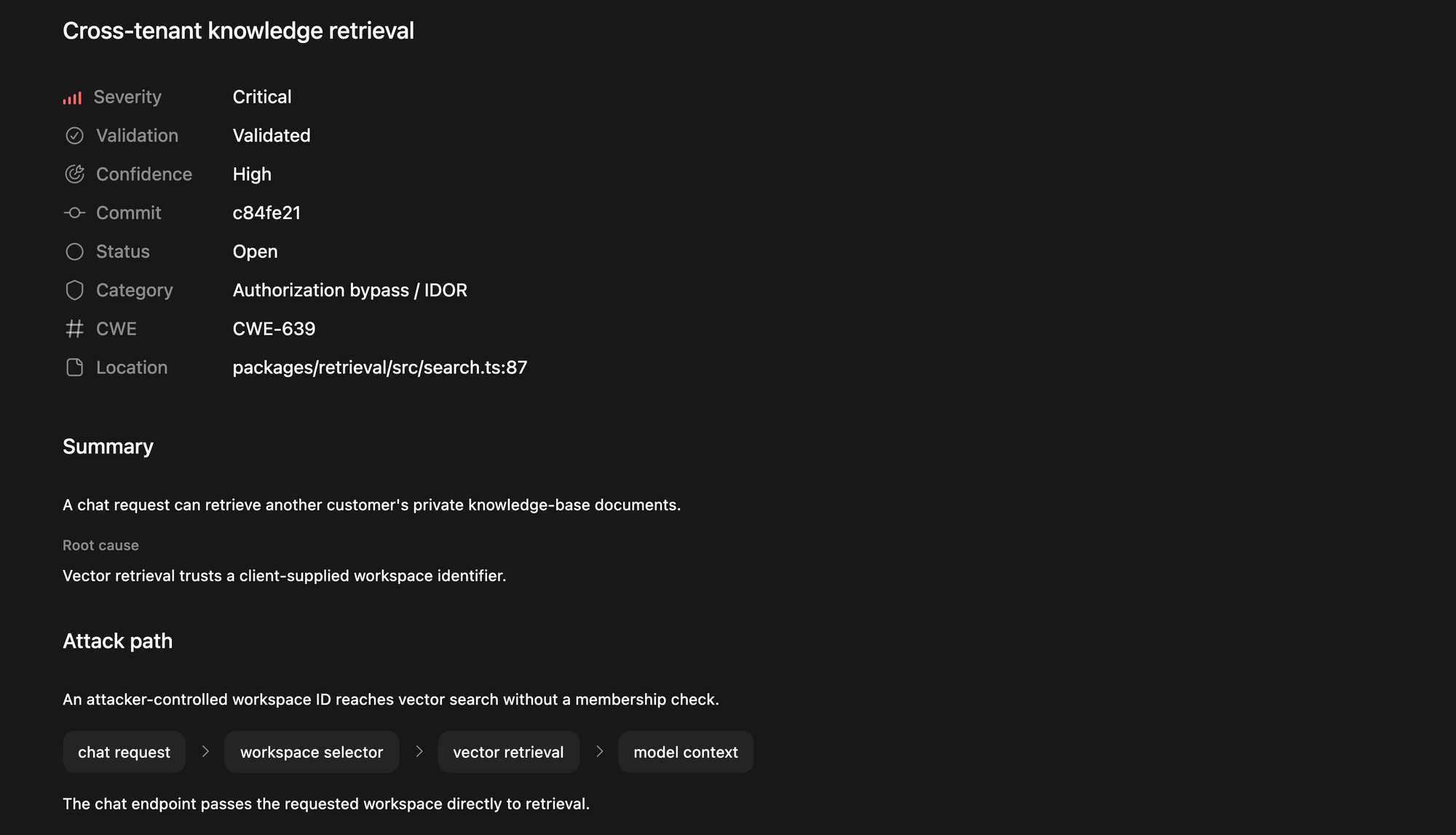
Example finding from the security docs, not the result of running this walkthrough.
In this example, a request supplies a workspace identifier that reaches private-document retrieval without a membership check. To assess a similar finding in your code, inspect whether another control enforces membership and whether the validation demonstrates access across workspaces.
For help interpreting a finding, open a chat in the same repository project and include the finding’s title, affected code, and evidence:
Choose the next action
Keep a short record of each reviewed finding: the scanned revision, affected code, evidence, remaining uncertainty, and responsible team. Choose the next action based on that evidence:
- Needs a fix: Select one accepted finding and continue to Fix a finding from your security scan.
- Needs investigation: Keep it open and identify the missing check or information before making a remediation decision.
- Does not need a fix: Record the supporting evidence and your triage decision. Closing a finding records that decision; it does not change code.
Your result is a reviewed set of findings and coverage gaps, with a next action for each. If you need a more thorough assessment, use Run a deep security scan. To assess a specific pull request or diff, use Scan code changes for security.
Related use cases
Run a deep security scan
Use the Codex Security plugin to run a more comprehensive audit of a repository or scoped...
Scan code changes for security
Use the Codex Security plugin to examine a Git-backed change set, validate plausible...
Scan multiple repositories
Use the Codex Security CLI to scan a list of repositories at specific commits, review each...