


Codex use case
Fix a finding from your security scan
Open a finding from your scan, review and apply a patch, and verify the fix.
Use the Codex Security plugin to turn a reviewed scan finding into a focused patch. Review and apply the change locally, verify the fix, and prepare a pull request with supporting evidence.
Best for
- Developers ready to address a reviewed finding from a Codex Security scan.
- Maintainers who want to inspect a proposed patch before applying it locally.
- Reviewers who need verification evidence alongside a focused security fix.
Contents
Fix a finding from your security scan
Open a finding from your scan, review and apply a patch, and verify the fix.
Use the Codex Security plugin to turn a reviewed scan finding into a focused patch. Review and apply the change locally, verify the fix, and prepare a pull request with supporting evidence.
Use the Codex Security plugin to turn a reviewed scan finding into a focused patch. Review and apply the change locally, verify the fix, and prepare a pull request with supporting evidence.
Best for
- Developers ready to address a reviewed finding from a Codex Security scan.
- Maintainers who want to inspect a proposed patch before applying it locally.
- Reviewers who need verification evidence alongside a focused security fix.
Skills & Plugins
- Fix and verify one reviewed security finding with a focused patch and validation evidence.
| Skill | Why use it |
|---|---|
| Codex Security:fix Finding | Fix and verify one reviewed security finding with a focused patch and validation evidence. |
Before you start
Open the scanned repository in Codex with the Codex Security plugin installed and enabled. You’ll need a finding you’ve reviewed and decided to address. If you haven’t run a scan yet, start with Run your first security scan.
Fix the finding
-
Open and review the finding
Open the finding from Findings or a completed scan in Scans. Read the affected code, the reported impact, and the evidence supporting the finding.
Confirm what the fix should prevent and which legitimate behavior must continue to work. If the evidence is unclear, investigate the finding before moving to a patch.
-
Generate a focused patch
Select the Patch tab, then Generate patch.
Codex validates or reproduces the issue when feasible and generates a proposed patch. Generating the patch does not modify your selected checkout.
-
Review and apply the patch
Inspect the proposed diff, including any regression tests or validation artifacts. Check that the change addresses the finding and preserves expected behavior. Resolve unrelated changes or broader refactors before proceeding.
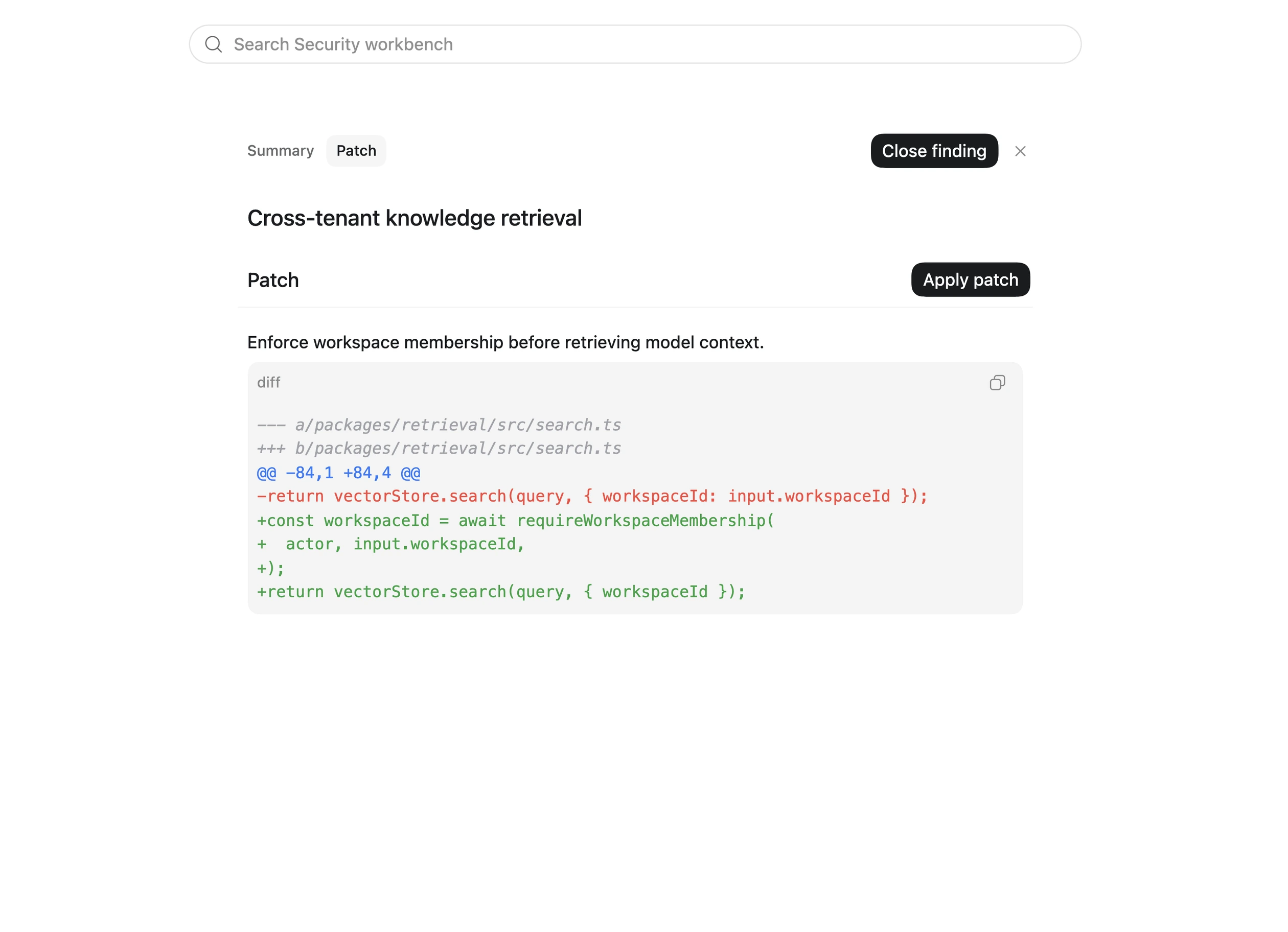
When the patch is ready, select Apply patch. Review the resulting working-tree diff.
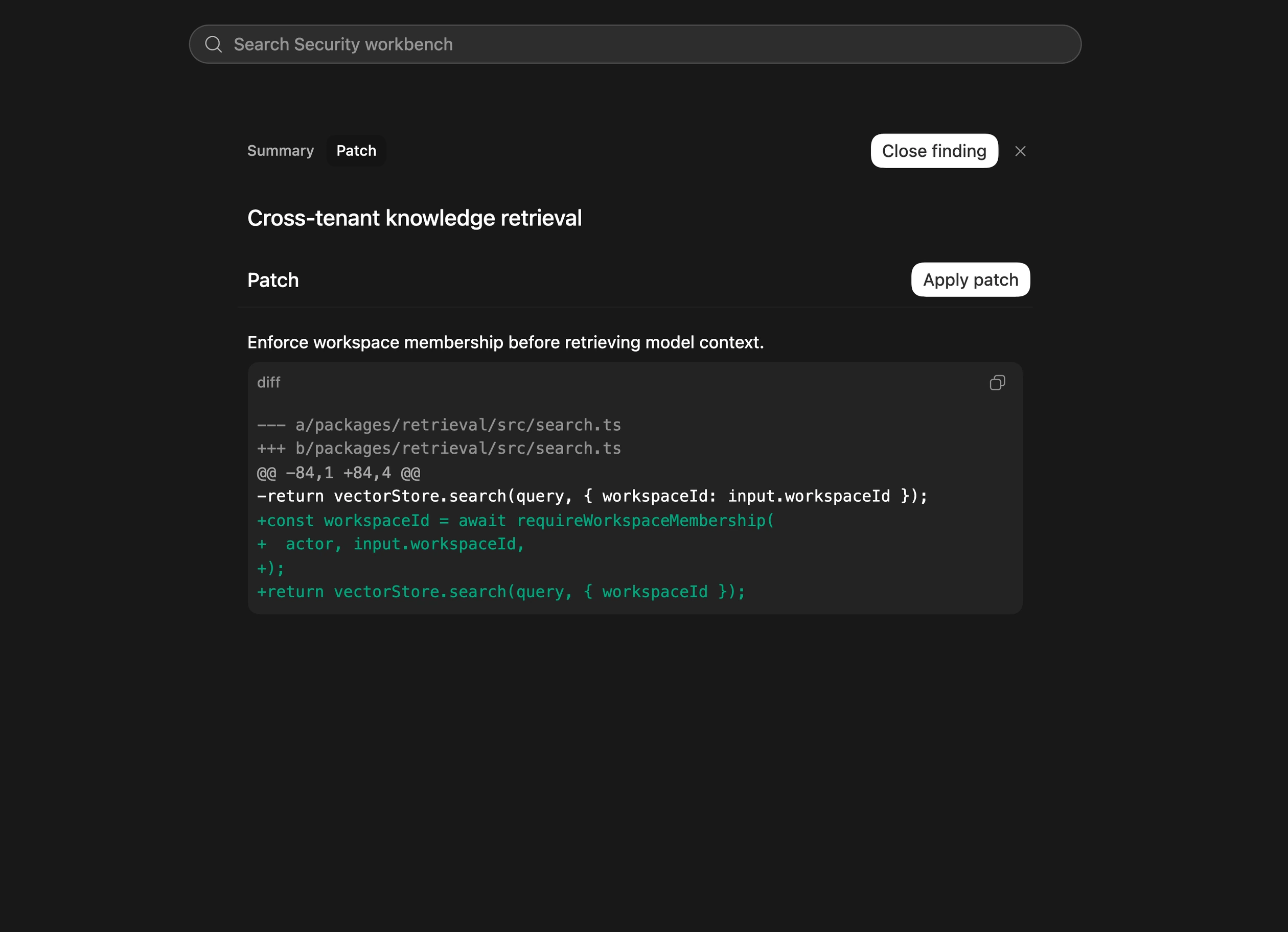
Example patch from the security docs, not the result of running this walkthrough. Review your own diff before applying it.
-
Verify the fix
Select Verify fix.
Review the evidence that the original vulnerable behavior no longer reproduces and legitimate behavior still works. When safe and practical, a focused regression test should fail before the fix and pass afterward.
If verification is incomplete, review the stated limitation and determine what additional testing is needed. An applied patch alone does not establish that the vulnerability is fixed.
-
Prepare the change for review
Review the final diff and prepare a pull request through your normal development workflow. Include:
- The finding and the behavior the patch corrects.
- The relevant code changes.
- The verification commands and results.
- Any remaining uncertainty or follow-up testing.
Verification does not automatically close the finding. Update its status deliberately according to your team’s review and release process.
Review the result
You should have one focused patch, evidence showing what Codex verified, and enough context for another developer to review the change. If verification could not establish that the fix works, keep that gap explicit.
For more detail, see Fix and verify security findings. To work through existing reports or tickets, use Remediate a vulnerability backlog.
Related use cases
Remediate a vulnerability backlog
Bring in approved findings from ticketing tools or vulnerability reporting systems, then use...
Automate security scans in CI
Add the Codex Security CLI to your CI pipeline
Run a deep security scan
Use the Codex Security plugin to run a more comprehensive audit of a repository or scoped...